Mod manager for World of Tanks
Your mods, installed and kept up to date.
Mod Vault installs, updates and removes World of Tanks mods for you, and turns your whole setup into a link you can share.
Linux and Windows. macOS builds are not published yet.
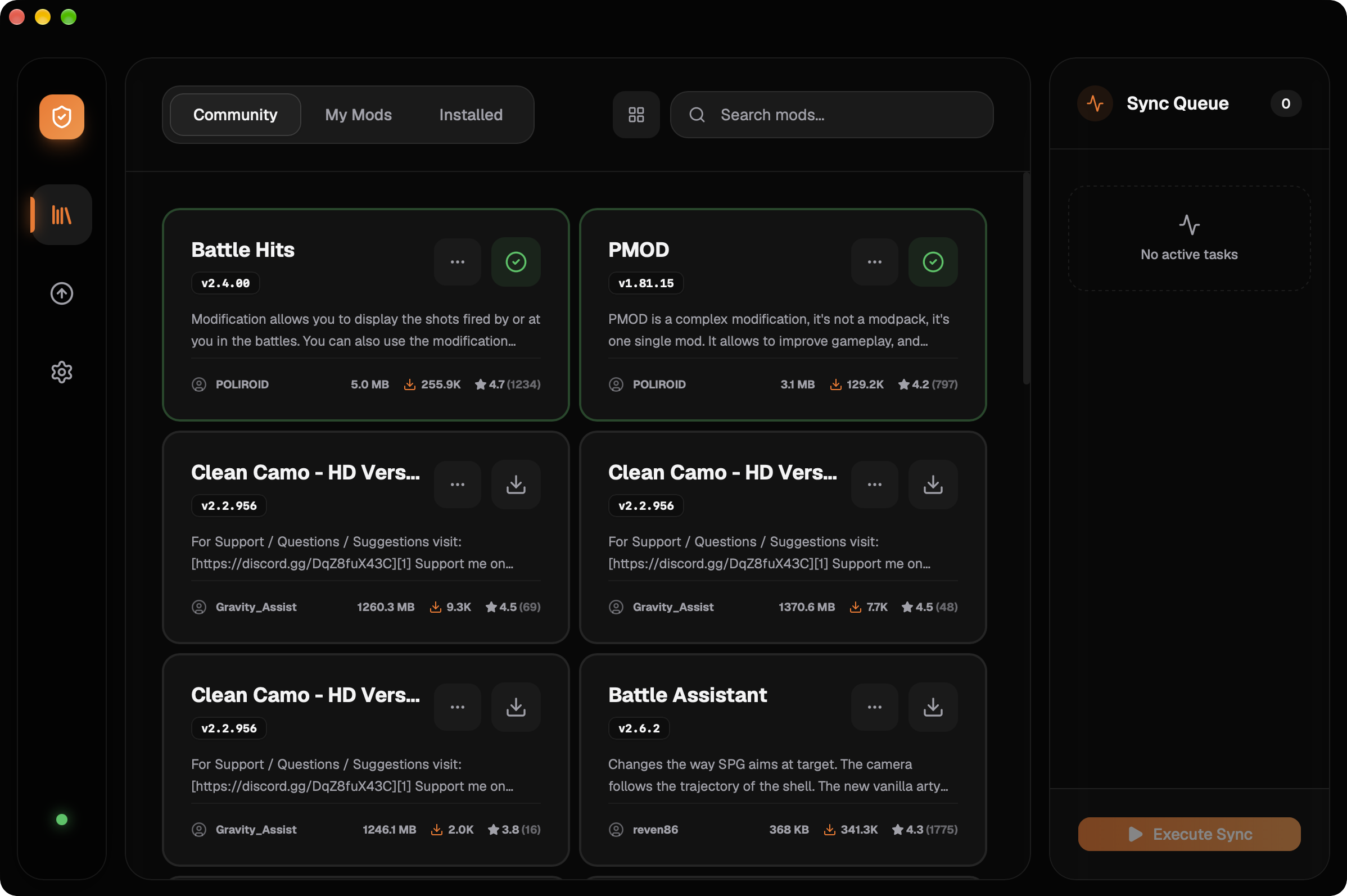
01 Install
Pick a mod. Mod Vault does the rest.
Browse the wgmods.net catalogue inside the app. Mod Vault downloads the archive, unpacks it and puts every file in the right game folder, so you never copy files by hand.
02 Update
Patch day without the hunt.
When a mod gets a new version, it shows up in the Updates tab. Update one mod or all of them, and read the changelog before you do.
03 Presets
One setup for ranked, another for the stream.
Save a set of mods as a preset and switch between presets whenever you like. Mod Vault tells you when what is installed no longer matches, and puts it back with one click.
04 Share
Your whole setup in one link.
Copy a link to any preset and send it to your platoon or put it under your stream. Whoever opens it gets the same mods installed in their own Mod Vault.
Careful with your game folder.
Checks and repairs
Mod Vault checks the files of every installed mod and repairs a mod when something is missing or changed.
Conflicts are your call
When two mods want the same file, you choose: keep the existing files or replace them. Nothing is overwritten silently.
Finds your game
Detects World of Tanks installed through Steam or Wargaming Game Center, including Wine prefixes on Linux.
Updates itself
The app checks for its own updates and installs them in the format you chose: deb, rpm, AppImage, tar.gz or a Windows installer.
Get Mod Vault.
One command on Linux, one installer on Windows. The app keeps itself up to date after that.
curl -fsSL /install.sh | bash